How to fix Tesla Cybertruck steer-by-wire calibration error
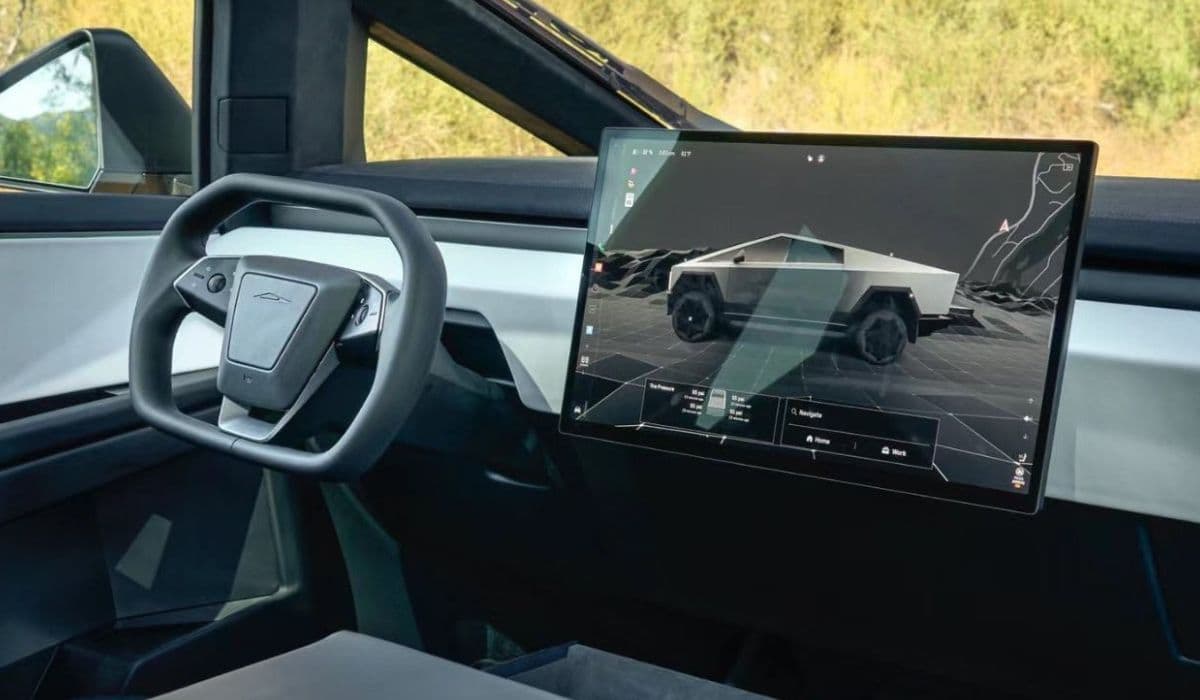
The Tesla Cybertruck introduces a revolutionary steer-by-wire system, eliminating traditional mechanical linkages between the steering wheel and the wheels. This technology relies on electronic sensors, actuators, and redundant systems to translate driver inputs into precise wheel movements. While it enables features like variable steering ratios and four-wheel steering for exceptional maneuverability, occasional calibration errors can arise, leading to warnings, off-center steering wheels, or reduced functionality.
These errors often stem from software glitches, sensor misalignments after wheel alignments, or temporary electrical issues. Understanding the system's intricacies helps owners address problems effectively without immediate panic.
Understanding Steer-by-Wire Technology in the Cybertruck
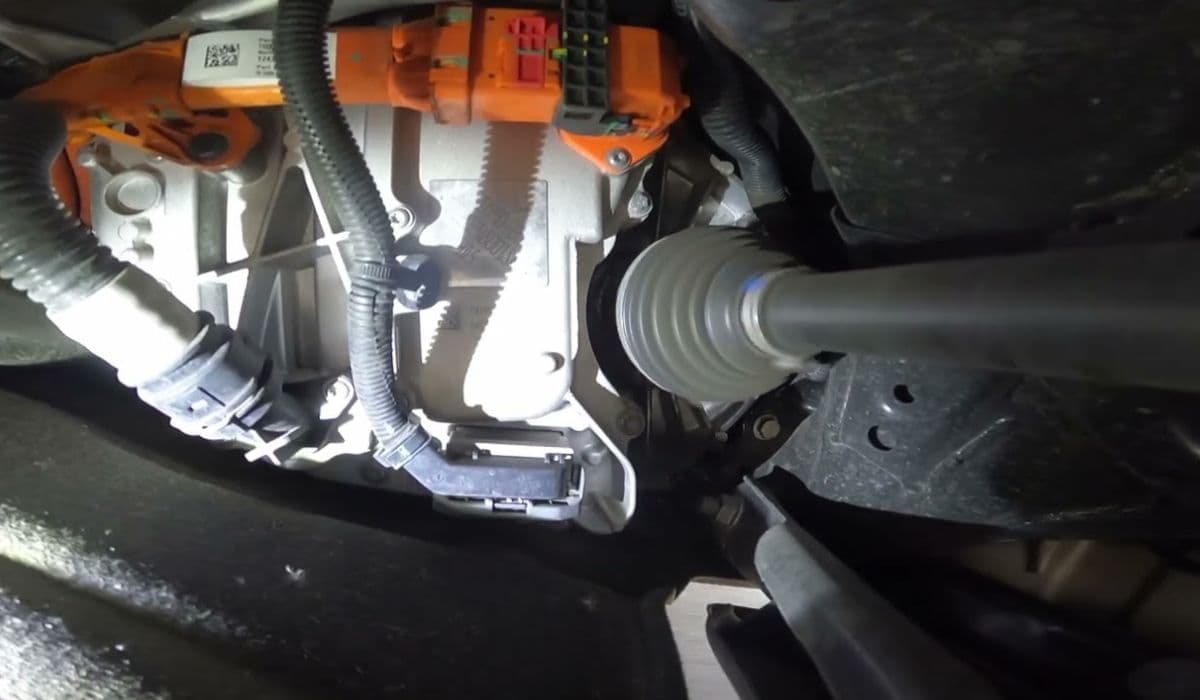
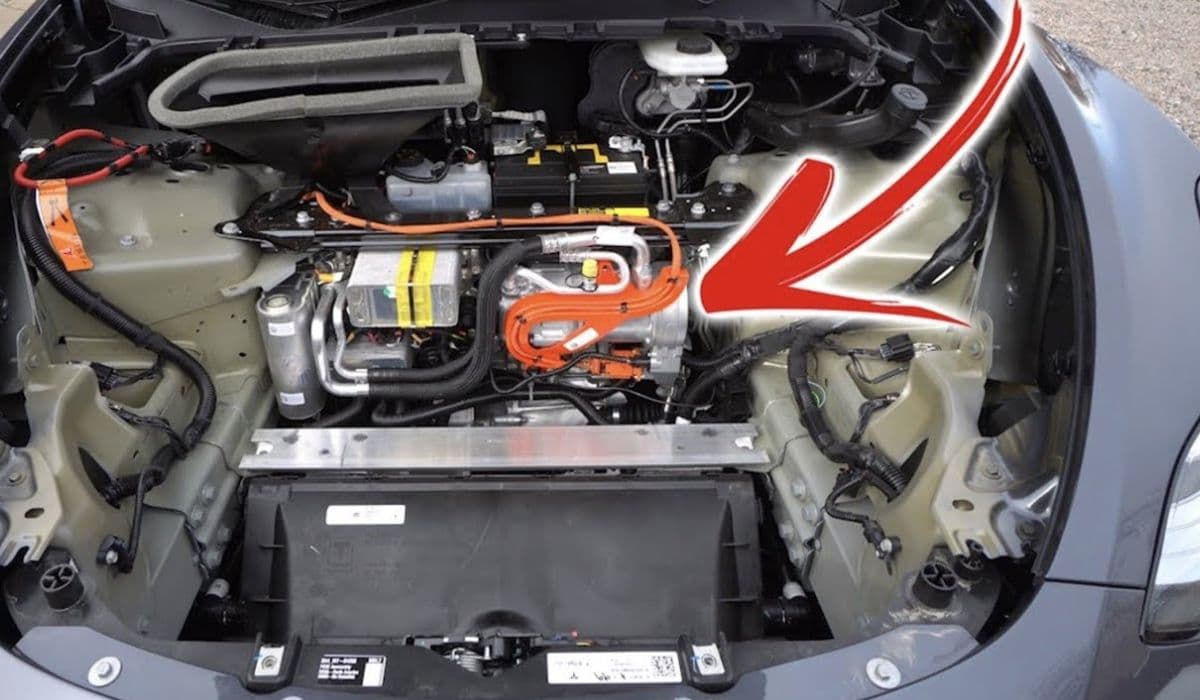
Steer-by-wire represents a bold leap in automotive engineering. Unlike conventional setups with physical columns and shafts, the Cybertruck uses multiple redundant sensors in the steering column to detect wheel position and torque. These signals communicate electronically to front and rear steering actuators, which directly control the wheels.
Key advantages include:
Variable steering response: Quick and sensitive at low speeds for tight turns, progressive at higher speeds for stability.
Four-wheel steering integration: Rear wheels counter-steer at low speeds for a tighter turning radius, aligning with front wheels on highways.
Enhanced redundancy: Triple-redundant position sensors and dual power sources minimize failure risks.
However, this electronic dependency means calibration is crucial. The system constantly monitors alignment, and disruptions—like rough roads, software updates, or battery fluctuations—can trigger errors.
Common Symptoms of Steer-by-Wire Calibration Errors
Owners might encounter various indicators when a calibration issue occurs. Recognizing them early prevents escalation.
Typical signs include:
Steering wheel appears off-center while driving straight, often referenced against the dashboard light bar.
On-screen warnings about steering redundancy loss or critical issues, sometimes accompanied by reduced power or limp mode.
Uneven steering feel, such as pulling to one side or delayed response.
Rear steering deactivation in severe cases, limiting agility.
Temporary icons on the instrument cluster turning yellow or red, indicating sensor disagreement.
These symptoms don't always mean total failure—the system's redundancies often maintain basic control while alerting the driver.
Initial Troubleshooting Steps for Owners
Many calibration errors resolve with simple owner interventions before needing professional help.
Start with these safe, non-invasive methods:
Park the vehicle safely and perform a full power cycle: Shift to Park, exit, lock the doors, and wait 5-10 minutes for systems to reset.
Press and hold both scroll wheels on the steering wheel to reboot the touchscreen and infotainment system.
Check for over-the-air software updates via the vehicle's connectivity—new firmware often includes steering refinements.
Drive on straight, multi-lane roads at moderate speeds to allow natural recalibration through sensor data collection.
Inspect tire pressures and ensure even wear, as imbalances can mimic steering issues.
These steps frequently clear transient errors caused by temporary sensor discrepancies.
Advanced Calibration Procedures
For persistent off-center steering or recurring warnings, deeper calibration may be required. While some processes are service-only, owners can monitor progress.
Effective approaches include:
Entering Service Mode on the touchscreen to view steering diagnostics and run basic checks.
Holding the steering wheel firmly centered during specific routines to assist sensor learning.
Performing a "set handwheel zero" procedure if accessible, aligning the wheel with the vehicle's straight-ahead position.
Driving varied patterns—straight lines, gentle curves, and low-speed maneuvers—to feed data to the electronic control units.
In cases of misalignment post-tire rotation or alignment, the system may self-correct over miles driven.
When to Seek Professional Tesla Service
Not all issues are DIY-friendly. Escalate if symptoms persist.
Contact Tesla Service when:
Warnings recur across multiple drives despite resets.
Steering feels unsafe, with significant pull or loss of assistance.
Limp mode activates, capping speed or disabling rear steering.
Diagnostics show persistent sensor faults or redundancy alerts.
Technicians use specialized tools for routines like "find center and commission" or full actuator recalibration. They also check 48V electrical systems and coolant levels, as overheating can indirectly affect steering modules.
Preventive Maintenance for Reliable Steer-by-Wire Performance
Proactive habits extend the system's longevity and reduce error risks.
Recommended practices:
Regularly update software to benefit from ongoing improvements in steering algorithms.
Avoid extreme off-road impacts that could jolt sensors.
Monitor battery health and electrical warnings, given the system's reliance on stable power.
Schedule periodic alignments to prevent compensatory calibration strains.
Familiarize yourself with the variable feel—practice in safe areas to build confidence in the responsive handling.
The Cybertruck's steer-by-wire system pushes boundaries, delivering unmatched agility in a massive vehicle. With proper awareness and timely actions, calibration errors become minor hurdles rather than major disruptions, allowing owners to fully enjoy this innovative technology.