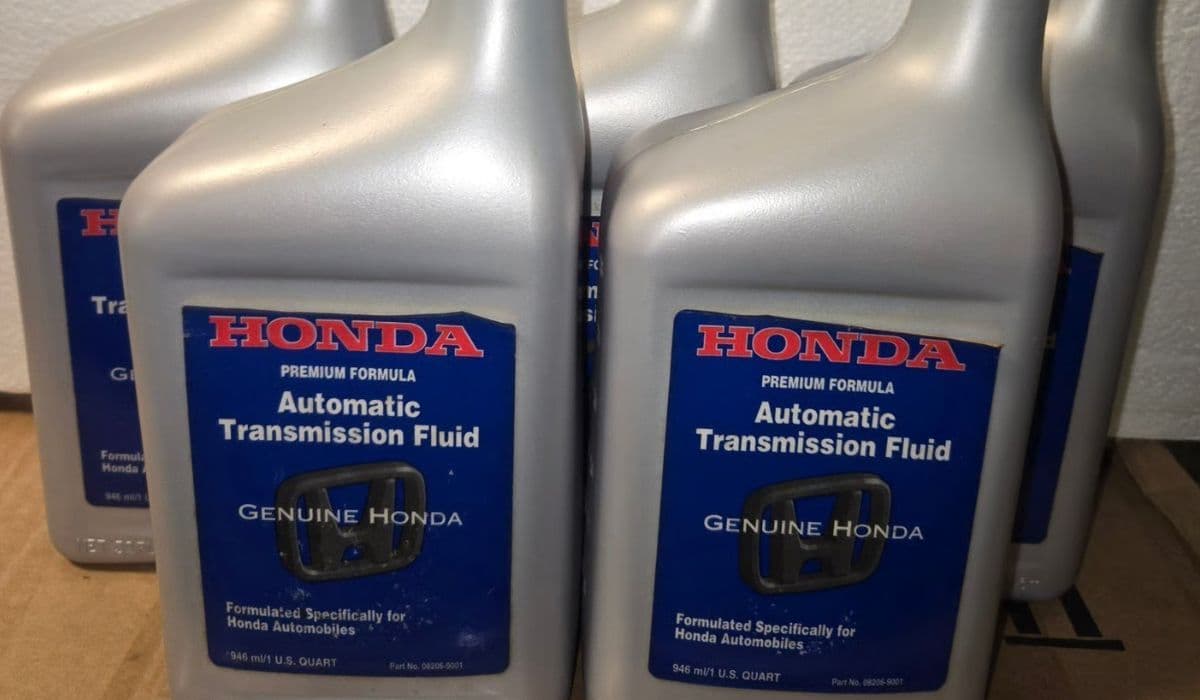
Honda Maintenance Minder: Understanding Codes and Intervals
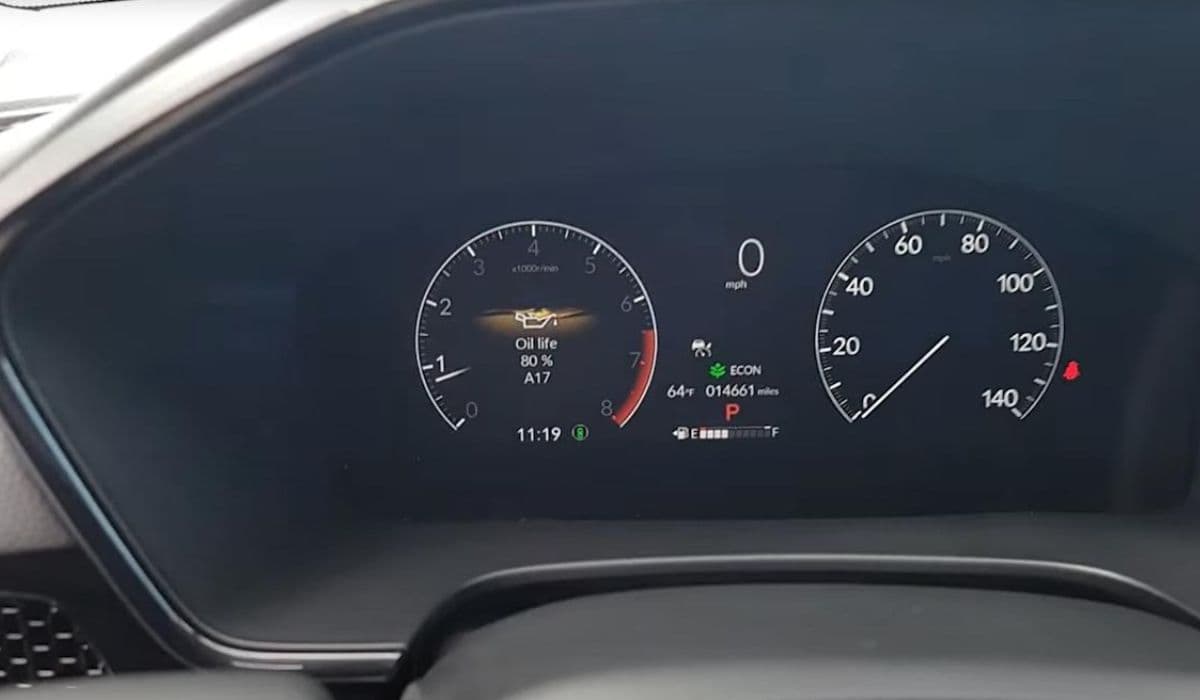
Honda's Maintenance Minder system revolutionizes how vehicle owners approach upkeep, shifting from rigid schedules to a smart, vehicle-specific approach. Introduced in the mid-2000s, this onboard computer monitors driving conditions, engine performance, and component wear in real time. Unlike traditional mileage-based reminders, it uses sensors to track factors like temperature, load, and even road quality. This means your Honda Civic or CR-V might signal for an oil change at 7,000 miles if you drive in stop-and-go traffic, or stretch it to 10,000 miles on highways.
The system's dashboard display shows a wrench icon with alphanumeric codes when service is due. These aren't random; they're tailored alerts based on algorithms developed by Honda engineers. By factoring in variables such as brake usage and transmission shifts, Maintenance Minder ensures you're addressing issues precisely when needed, potentially extending your car's lifespan.
How Does the System Work?
At its core, Maintenance Minder operates through the vehicle's electronic control unit, gathering data from multiple sensors. Every time you start the engine, it recalibrates based on recent driving patterns. For instance, frequent short trips in cold weather accelerate oil degradation, prompting earlier notifications.
The display cycles through codes as percentages drop—starting at 100% for fresh maintenance and decreasing as conditions warrant action. When it hits 15%, a reminder appears, urging you to schedule service soon. Ignoring it? The system won't disable your car, but it flashes more urgently below 5%, emphasizing the need for prompt attention.
Key components influencing the system include:
Engine oil life sensor, which measures contamination levels.
Brake wear indicators that detect pad thickness.
Transmission fluid monitors for heat and viscosity changes.
This integration makes Maintenance Minder a proactive tool, adapting to your lifestyle whether you're a city commuter or long-haul traveler.
Decoding the Main Codes
Maintenance Minder uses a simple yet informative code structure: a letter (A or B) for primary services, followed by numbers (1 through 9) for sub-items. The "A" code signals basic oil and filter replacement, often the most common alert. It's straightforward but crucial, as fresh oil lubricates vital parts and prevents overheating.
The "B" code expands to include inspections of brakes, suspension, and exhaust systems. It might appear after aggressive driving or in dusty environments, where components face extra stress.
Numeric sub-codes add specificity:
1: Rotate tires to ensure even wear and improve handling.
2: Replace air and cabin filters for better air quality and engine efficiency.
3: Change transmission fluid to maintain smooth shifting.
4: Inspect spark plugs and timing belt for optimal ignition.
5: Replace coolant to avoid engine corrosion.
6: Swap rear differential fluid in AWD models.
7: Change brake fluid to preserve stopping power.
And so on, up to 9 for specialized checks like valve adjustments.
Each code combination, like A1 or B123, tells a story about your Honda's health, guiding you toward targeted maintenance.
Exploring Service Intervals
Intervals in Maintenance Minder aren't fixed; they're dynamic, typically ranging from 5,000 to 10,000 miles for oil changes, depending on conditions. Severe driving—think towing or mountainous routes—shortens these, while gentle highway miles extend them. Honda's algorithms consider over 20 variables, making predictions remarkably accurate.
For example, tire rotations under code 1 might be suggested every 7,500 miles, but if you notice uneven tread earlier, the system adjusts. Transmission services (code 3) could span 30,000 to 60,000 miles, influenced by fluid temperature logs.
Owners of models like the Accord or Pilot benefit from this flexibility, avoiding unnecessary visits while catching potential problems early. Regular resets after service—done by holding the info button—keep the system calibrated.
Benefits for Honda Owners
Embracing Maintenance Minder enhances reliability and efficiency. By aligning services with actual needs, it reduces wear on parts, potentially boosting fuel economy by up to 5%. It also minimizes environmental impact through optimized fluid changes, preventing overuse of resources.
From a practical standpoint, it empowers drivers with knowledge:
Early detection of issues like worn brakes averts costly repairs.
Customized alerts fit diverse driving habits, from urban to rural.
Integration with Honda's diagnostic tools streamlines dealer visits.
Many enthusiasts share stories of their vehicles surpassing 200,000 miles with diligent adherence, attributing longevity to this intelligent system.
Common Myths Debunked
One prevalent myth is that Maintenance Minder is just a gimmick to sell more services. In reality, it's backed by extensive testing, often leading to fewer interventions than old-school schedules. Another misconception: ignoring codes won't hurt if the car runs fine. Yet, subtle degradation, like contaminated oil, can lead to sludge buildup over time.
Some believe all Hondas share identical intervals, but variations exist across models—hybrids like the Insight might prioritize battery checks. Understanding these nuances dispels fears and encourages informed ownership.
Practical Tips for Maximizing the System
To get the most from Maintenance Minder, monitor your driving style. Highway cruises preserve intervals, while idling in traffic shortens them. Keep the system updated during routine checks, and use quality parts matching Honda specs for accurate readings.
Consider logging codes in a notebook or app for patterns—spotting frequent B codes might indicate brake-heavy routes. Pairing this with visual inspections, like checking fluid levels monthly, complements the digital alerts.
Engaging with online Honda communities reveals user experiences, from resetting glitches to interpreting rare codes. This hands-on approach turns maintenance into an engaging aspect of ownership, fostering a deeper connection with your vehicle.
More from Honda
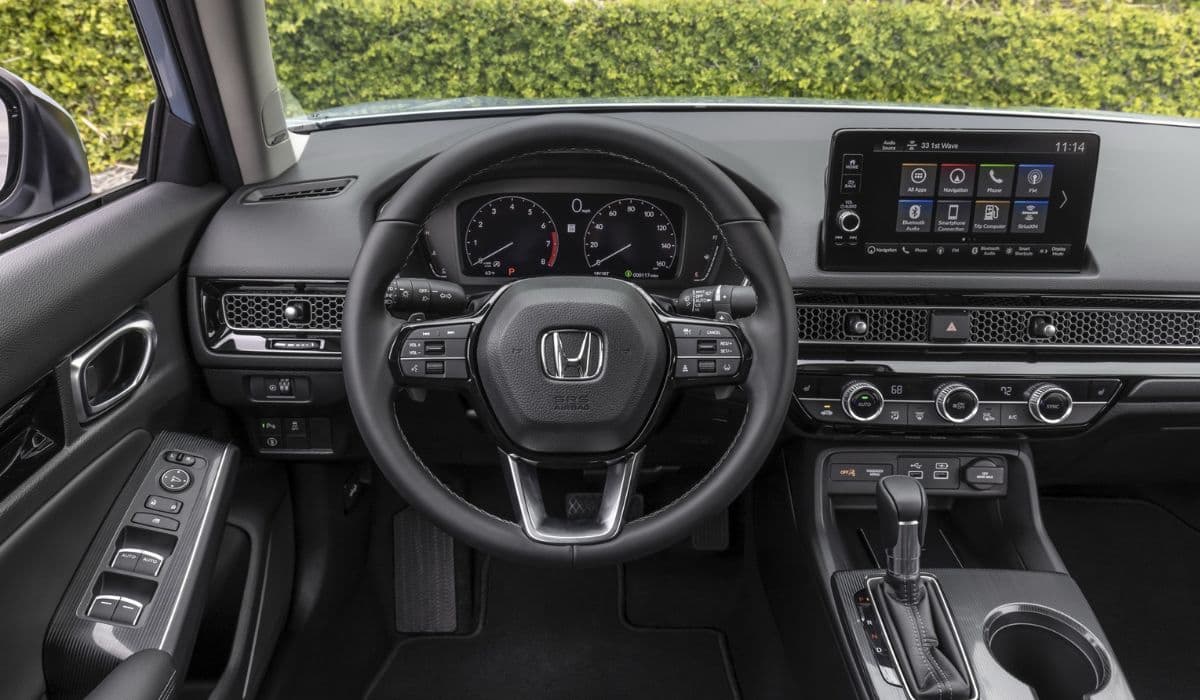
How to Fix 11th Generation Honda Civic Screen Delamination (2022–2024 Models)
08.12.2025 12:32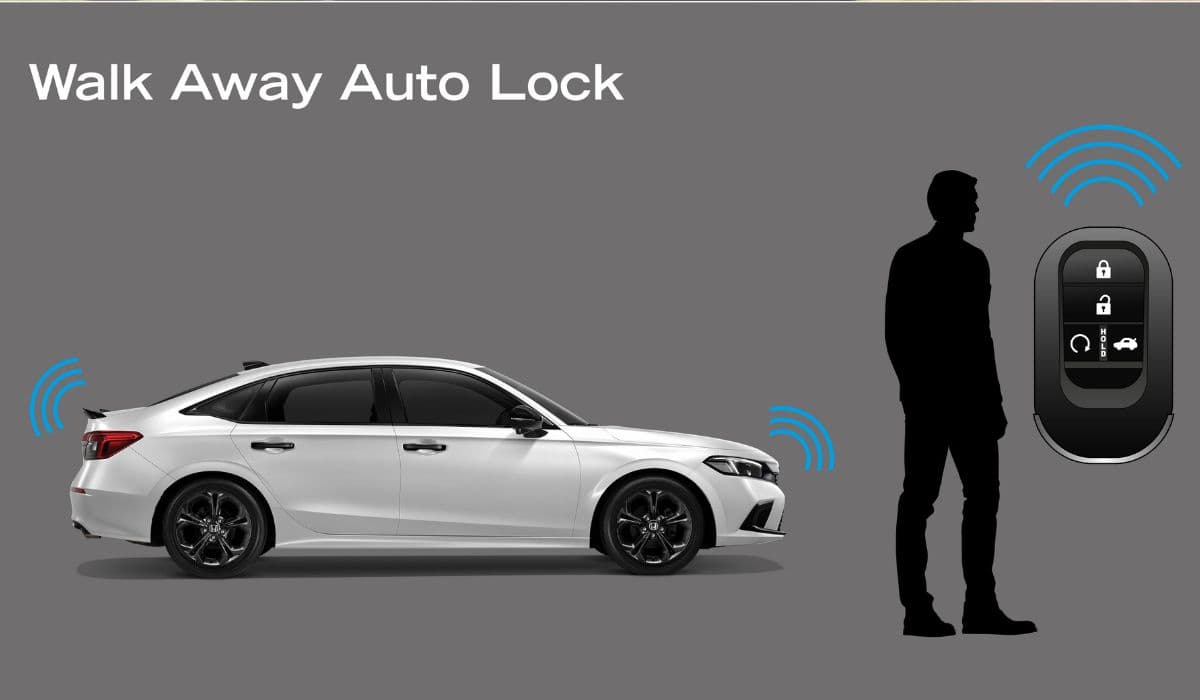
How to Disable Honda Walk Away Auto Lock Forever
08.12.2025 12:44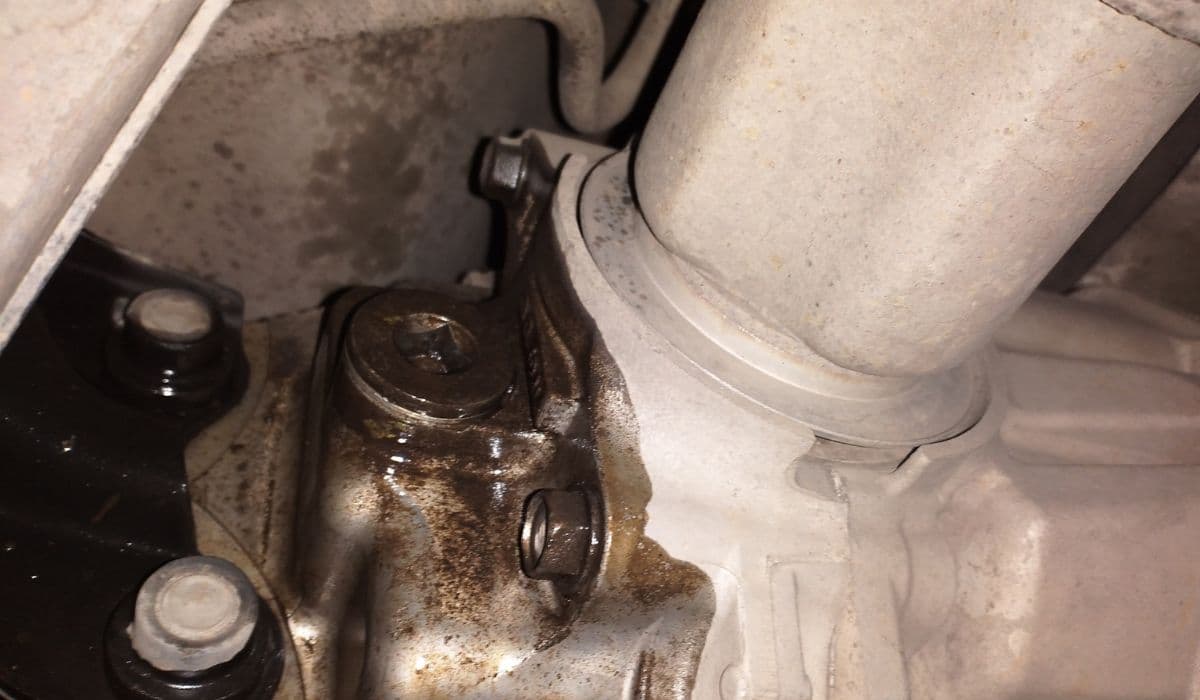
Honda CR-V: Rear Differential Fluid Change for AWD Models
24.12.2025 06:39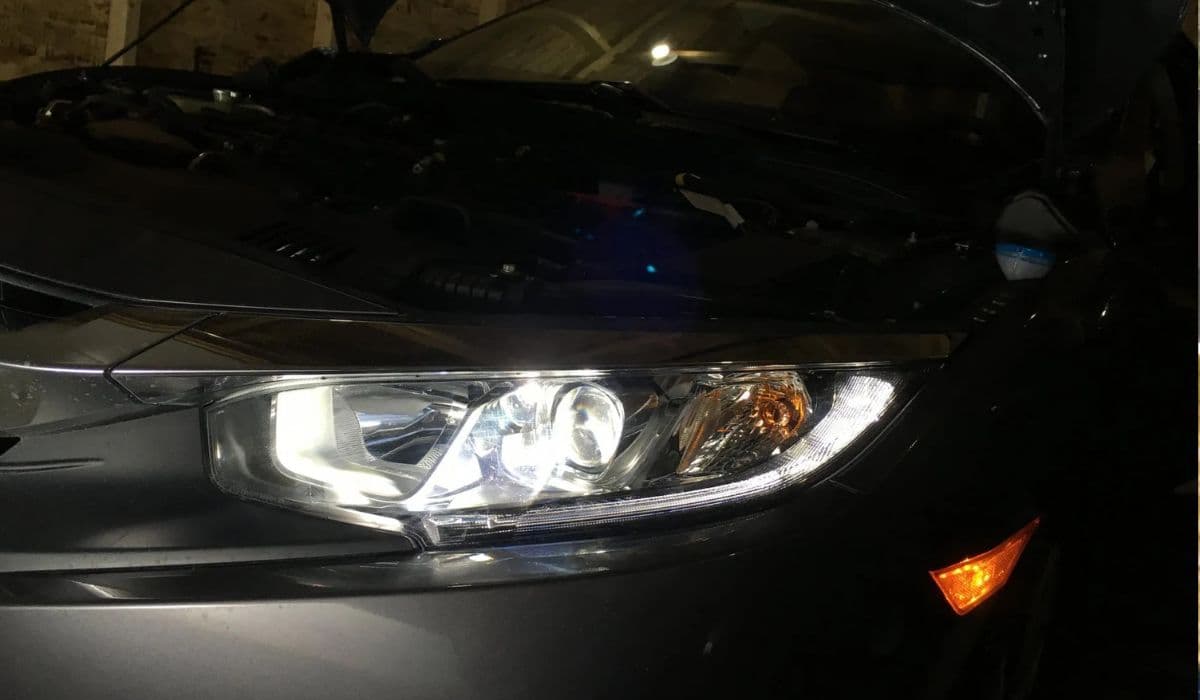
Honda Civic Low Beam Headlight Bulb Replacement Trick That Saves Hours and Broken Clips
08.12.2025 09:38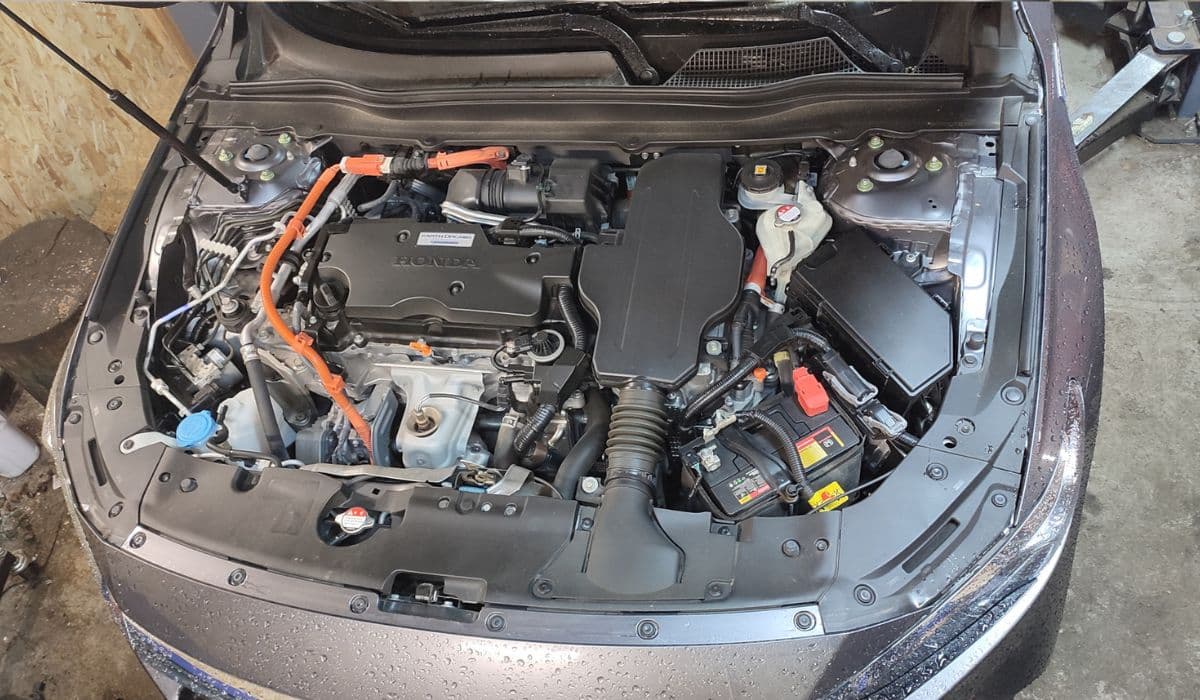
How to Clean the Honda Accord Hybrid Battery Fan Yourself – Full DIY Guide
08.12.2025 08:55