Ford BlueCruise: Calibration and Engagement Tips
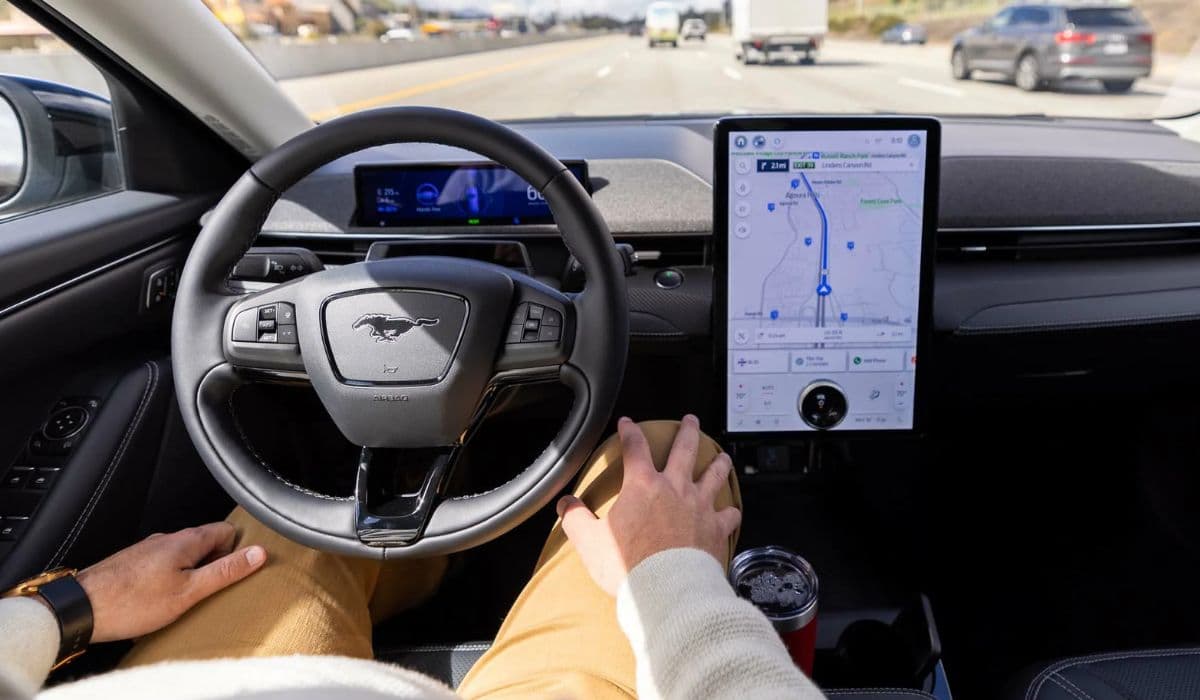
Ford BlueCruise represents a leap forward in advanced driver-assistance systems, allowing hands-free driving on compatible highways. This feature relies on a sophisticated blend of cameras, radars, and GPS mapping to keep your vehicle centered in its lane while maintaining a safe distance from others. Unlike basic adaptive cruise control, BlueCruise actively monitors the driver's attention through an infrared camera, ensuring you're ready to take over if needed. What makes it stand out is its ability to handle curves, lane changes, and even speed adjustments based on traffic flow, all while you relax with your hands off the wheel.
To fully appreciate its capabilities, consider how it integrates with Ford's Co-Pilot360 suite. The system uses high-definition maps of over 130,000 miles of divided highways in North America, enabling precise navigation without constant manual input. Drivers often report a smoother, less fatiguing experience on long trips, transforming mundane commutes into opportunities for productivity or rest.
The Role of Calibration in Optimal Performance
Calibration isn't just a one-time setup; it's the foundation for reliable operation. Proper calibration ensures that sensors align perfectly with the vehicle's dynamics, preventing erratic behavior like unnecessary braking or drifting. Imagine cruising down a highway only for the system to disengage unexpectedly—calibration minimizes such frustrations by fine-tuning the hardware to your specific driving environment.
Factors like wheel alignment, tire pressure, and even windshield cleanliness play into this. A misaligned camera can throw off the entire system, leading to false alerts or reduced confidence in hands-free mode. Regular checks keep BlueCruise responsive, adapting to subtle changes over time, such as after a tire rotation or suspension tweak.
Step-by-Step Calibration Tips
Getting BlueCruise calibrated right starts with preparation. Park your Ford in a well-lit, level area free from obstructions. Access the settings menu via the touchscreen, navigating to the driver-assistance section where BlueCruise options appear.
Begin by verifying software updates; outdated firmware can hinder accuracy, so connect to Wi-Fi or visit a dealer for the latest version.
Clean all sensors and cameras thoroughly—use a soft cloth and approved cleaner to remove dirt, bugs, or residue that might obscure views.
Perform a static calibration if prompted, which involves following on-screen instructions to align the steering and brakes.
Test in a safe zone: After initial setup, drive on a mapped highway at moderate speeds to let the system self-adjust.
Monitor for warnings; if the dashboard indicates recalibration, pull over safely and restart the process.
These steps not only enhance precision but also build your trust in the technology, making every activation seamless.
Maximizing Engagement for Safer Drives
Engagement refers to how actively BlueCruise interacts with the road and you as the driver. It's about more than just turning it on—it's optimizing conditions for sustained hands-free operation. Picture a scenario where the system stays engaged through varying weather or traffic, thanks to proactive habits.
Start by familiarizing yourself with activation cues: A blue steering wheel icon signals readiness, but only on pre-mapped roads. Always keep your eyes on the road, as the attention monitor scans for lapses every few seconds.
Practical Engagement Tips
To keep BlueCruise humming along, adopt these strategies for consistent performance.
Choose optimal routes: Stick to divided highways where the system excels, avoiding construction zones or unmapped areas that force disengagement.
Maintain proper posture: Sit upright with your face visible to the camera—sunglasses or hats might trigger alerts, so adjust accordingly.
Use adaptive settings: Customize speed offsets and following distances in the menu to match your comfort level, reducing abrupt changes.
Handle transitions smoothly: When exiting hands-free zones, anticipate the handover prompt and grip the wheel promptly to avoid jolts.
Integrate with other features: Pair it with lane-keeping assist for enhanced stability, especially in windy conditions.
By incorporating these, you'll notice longer engagement periods, turning potential interruptions into fluid experiences.
Troubleshooting Common Calibration and Engagement Issues
Even with the best setup, hiccups can occur. If BlueCruise disengages frequently, it might stem from sensor misalignment or environmental factors. For instance, heavy rain can obscure radar signals, prompting a temporary pause—wait for clearer skies or wipe down exteriors.
Dashboard errors often point to simple fixes like low battery in the key fob or obstructed views. Reset the system by turning off the vehicle for a few minutes, then retry. If issues persist, consult the owner's manual for diagnostic codes.
Advanced users might explore over-the-air updates, which often resolve software glitches without a service visit. Remember, consistent maintenance like alignment checks every 12,000 miles keeps everything in sync.
Enhancing Your Experience with Advanced Features
Dive deeper into BlueCruise by leveraging its evolving capabilities. Features like automatic lane changes activate with a turn signal tap, allowing effortless overtakes. Experiment on familiar routes to master this, noting how it scans for safe gaps.
Integration with navigation apps provides real-time traffic insights, preempting slowdowns. For night drives, the system's infrared monitoring shines, adapting to low light without compromise.
These elements elevate BlueCruise from a convenience to a core part of modern driving, offering insights into future autonomous tech.
More from Ford
Ford F-150: Active Grille Shutter Maintenance and Cleaning Guide
28.12.2025 11:29
Ford Maverick Hybrid: Battery Cooling Fan Cleaning Tips
28.12.2025 08:22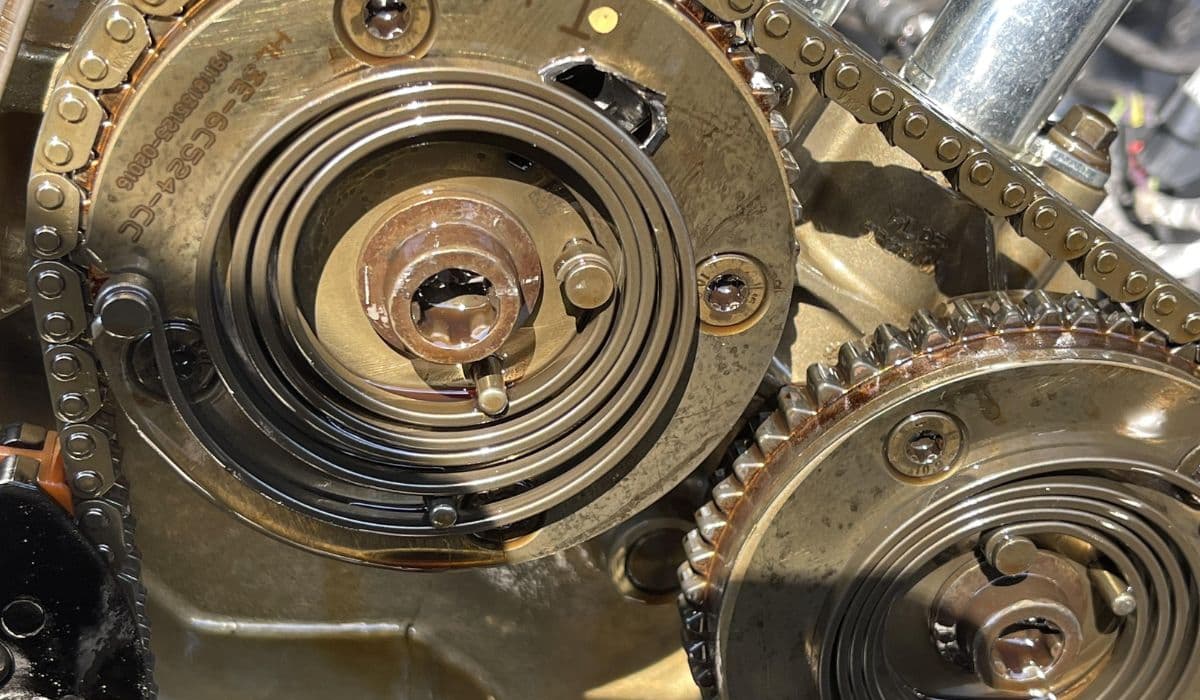
Ford EcoBoost: Preventing Cam Phaser Rattle with Regular Oil Changes
28.12.2025 05:53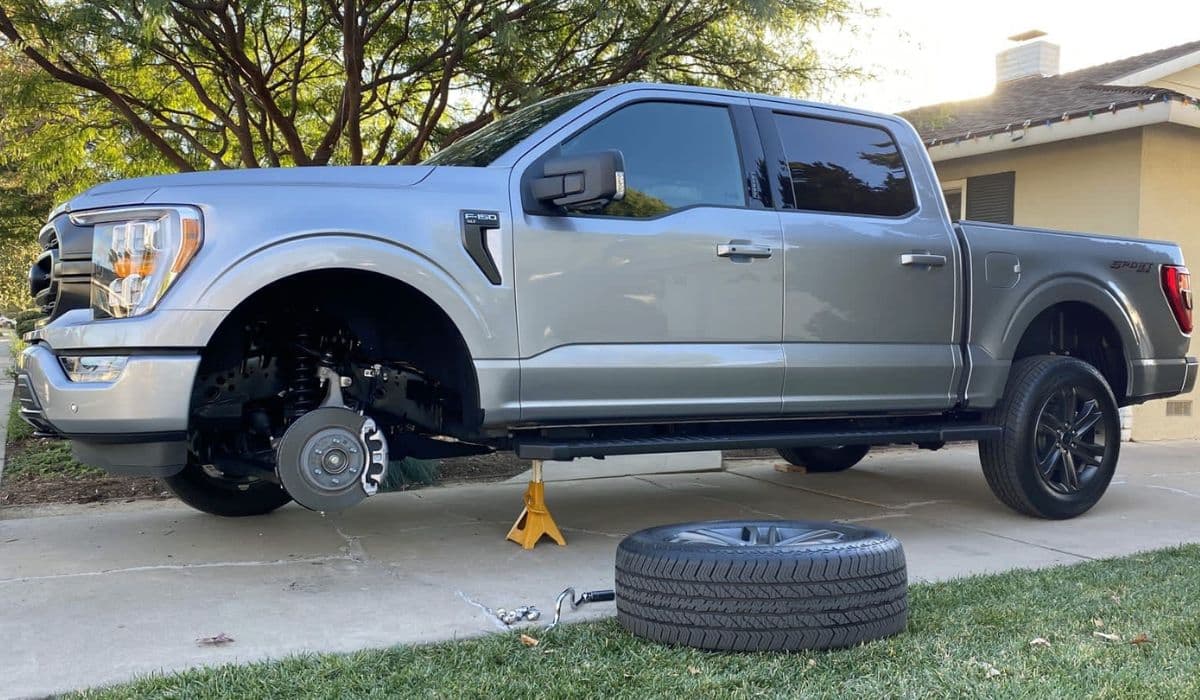
Ford F-150: How to Perform Tire Rotation and Balance Every 5,000 Miles
27.12.2025 14:45
Ford F-150 Aluminum Body: Corrosion Protection Tips
25.12.2025 14:18