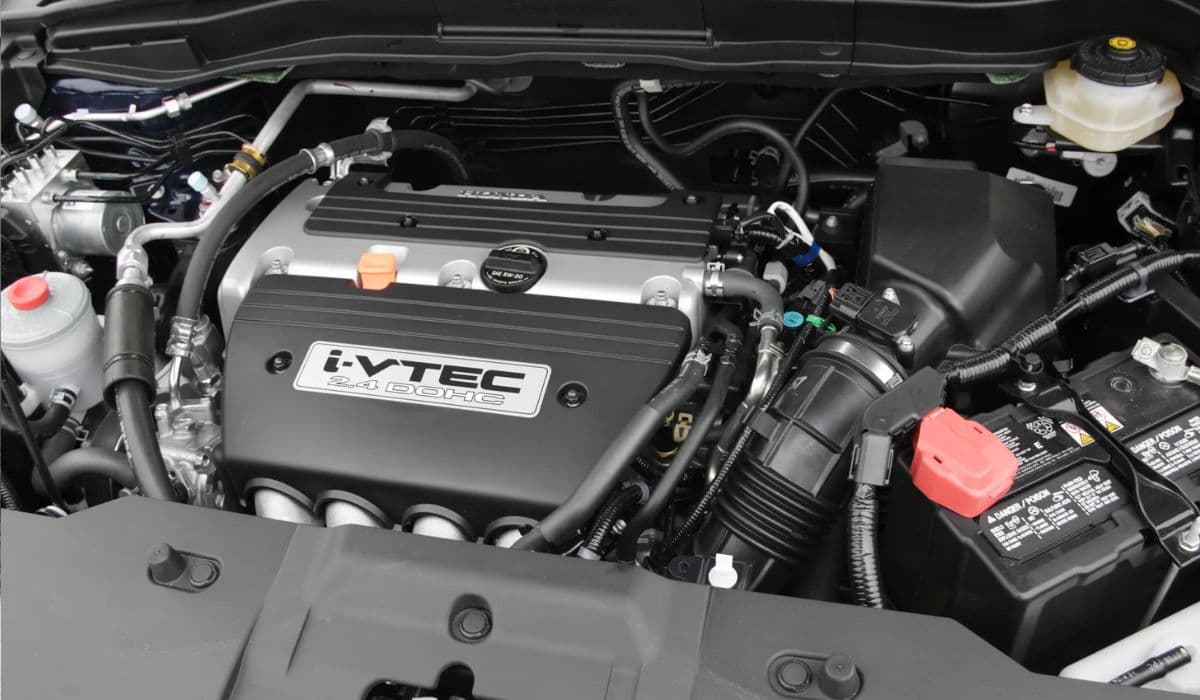
How to Clean the Honda Accord Hybrid Battery Fan Yourself – Full DIY Guide
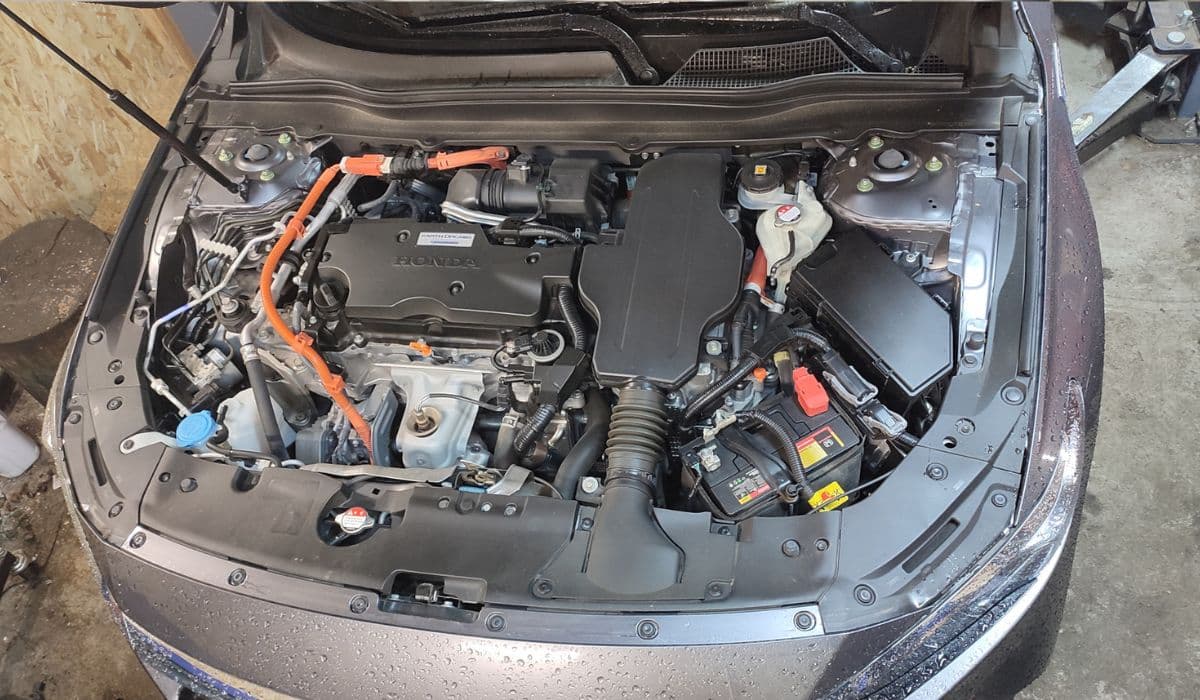
The hybrid battery cooling fan in Honda Accord Hybrid (all generations from 2005 onward, including 2005-2007, 2008-2012, 2013-2017, 2018-2022, and 2023-present) is one of the most neglected maintenance items, yet it directly affects battery life, fuel economy, and the dreaded “Check Hybrid System” warning. When the fan gets clogged with dust, pet hair, leaves, and road grime, airflow drops dramatically, the battery overheats, cells degrade faster, and the car may force the gasoline engine to run more often. Cleaning the fan is a completely free DIY job that takes 30-90 minutes depending on the generation and returns the hybrid system to peak efficiency.
Why the Battery Cooling Fan Gets Dirty So Fast
The fan sits behind the rear seat and pulls air from the cabin through a dedicated intake grille (usually under the rear parcel shelf or in the trunk area). Because the air is drawn from inside the car, every speck of dust, dog hair, carpet fiber, and passenger shed ends up on the fan blades and inside the cooling duct. After 40,000–80,000 miles most owners notice reduced MPG, louder fan noise on “ready” mode, or IMA/hybrid warning lights. A clogged fan can raise battery temperature by 20–30 °F, which accelerates cell aging and can trigger forced limp mode.
Tools and Supplies You Will Actually Need
T10, T20, T30 Torx drivers (generation dependent)
Phillips #2 screwdriver
Plastic trim removal tools (highly recommended to avoid broken clips)
Shop vacuum with crevice tool and soft brush attachment
Compressed air can or electric blower (leaf blower on low works great)
Flashlight or headlamp
Microfiber towels
Optional: 91% isopropyl alcohol, small paintbrush, mask (dust is nasty)
No need for jack stands, battery disconnect, or OBD scanner for simple cleaning.
Locating the Battery Fan on Different Accord Hybrid Generations
2005–2007 (7th gen): Fan is under the package tray behind rear seat backrest. Intake grille is visible when rear seat is folded.
2008–2012 (8th gen): Fan is inside the trunk on the left side behind removable carpeted panel. Intake from cabin through vents under rear window.
2013–2017 (9th gen): Fan moved to the right side of the trunk (passenger side in LHD cars) behind side trim.
2018–2022 (10th gen): Fan is again on the passenger side in the trunk but higher up, behind quarter trim panel.
2023-present (11th gen): Same location as 10th gen but with slightly different plastic clips.
Step-by-Step Cleaning Procedure That Works on Every Generation
Start with the car OFF and key out of reach.
Fold down or remove the rear seat bottom cushion (pull up firmly on the front edge – two release clips).
Remove the rear seat backrest (usually three 12 mm bolts at the bottom and push up to release hooks).
Remove the rear parcel shelf (plastic pins or metal clips – pry gently).
Locate the black plastic battery cooling duct and the obvious round fan housing.
Remove the fan assembly:
2005-2012: three T20 or Phillips screws
2013-2017: three T30 screws plus one wiring harness clip
2018-present: four T20 screws and one quick-disconnect plug
Carefully pull the fan straight out – it is on a short wiring harness, do not yank.
You will immediately see the nightmare of dust and hair wrapped around the blades.
Use the shop vacuum first to suck the loose debris.
Blast the blades with compressed air in the opposite direction of normal airflow (blow from the battery side toward the cabin).
Use a soft paintbrush to loosen stubborn hair stuck between blades.
Vacuum again, then wipe blades with microfiber lightly dampened with isopropyl alcohol.
While the fan is out, vacuum the cooling duct that goes to the battery pack – this is usually packed solid.
Blow compressed air through the cabin intake grille (under parcel shelf or in trunk) to clear the pre-filter mesh.
Reinstall the fan in reverse order. Make sure the rubber gasket seats properly and the arrow on the fan housing points toward the battery (airflow direction).
Deep Cleaning the Hidden Intake Filter Most Owners Never Touch
Behind the cabin intake grille there is a foam or mesh pre-filter that is almost always completely blocked. Remove the plastic grille (usually 4-6 push pins) and you’ll find a black sponge or fine mesh. Wash it with warm water and a little dish soap, let dry completely, and reinstall. This alone can drop battery temps 10–15 °F.
How Often Should You Clean the Battery Fan?
If you have pets or live on a dirt road: every 15,000 miles or once a year
Normal city/highway driving: every 30,000 miles or every 2 years
If you already have hybrid warning lights or very poor MPG: do it immediately
Signs Your Fan Is Clogged (Don’t Wait for the Warning Light)
Hybrid battery fan runs at maximum speed every time you start the car
Noticeably worse fuel economy (3–8 mpg loss is common)
Battery temperature bars stay high even after highway driving
Unusual whining noise from rear seat area
“Check Hybrid System” or IMA light after sitting in traffic
Common Mistakes That Can Damage the Hybrid System
Never use a pressure washer or garden hose on the fan or battery pack
Never disconnect the 12 V battery while the orange high-voltage cables are connected
Never run the car with the cooling fan removed – the system will shut down in minutes
Never ignore a fan that no longer spins – a $120 fan is cheaper than a $3000 battery
Pro Tips for Best Results and Long Battery Life
Clean the cabin air filter at the same time – dirty cabin filter makes the battery fan work harder
Park nose-up on a slope once a month for 10 minutes – helps water drain from the battery box
After cleaning, drive 20–30 miles of highway to let the battery rebalance – you will see MPG jump the next day
Keep the rear seats folded for a few hours after cleaning to let any remaining dust settle
Doing this simple maintenance yourself can easily add 50,000–100,000 miles to hybrid battery life and keep your Accord achieving 45–50 mpg for many years.
More from Honda

How to Permanently Fix 2008-2017 Honda Odyssey Sliding Door Cable Snap (Complete DIY Repair Guide)
08.12.2025 12:18
How to Fix 11th Generation Honda Civic Screen Delamination (2022–2024 Models)
08.12.2025 12:32
How to Disable Honda Walk Away Auto Lock Forever
08.12.2025 12:44
2023+ Honda Pilot Transmission Shudder Fix: The Definitive ATF Fluid Swap Solution
08.12.2025 12:51
Honda Civic Low Beam Headlight Bulb Replacement Trick That Saves Hours and Broken Clips
08.12.2025 09:38