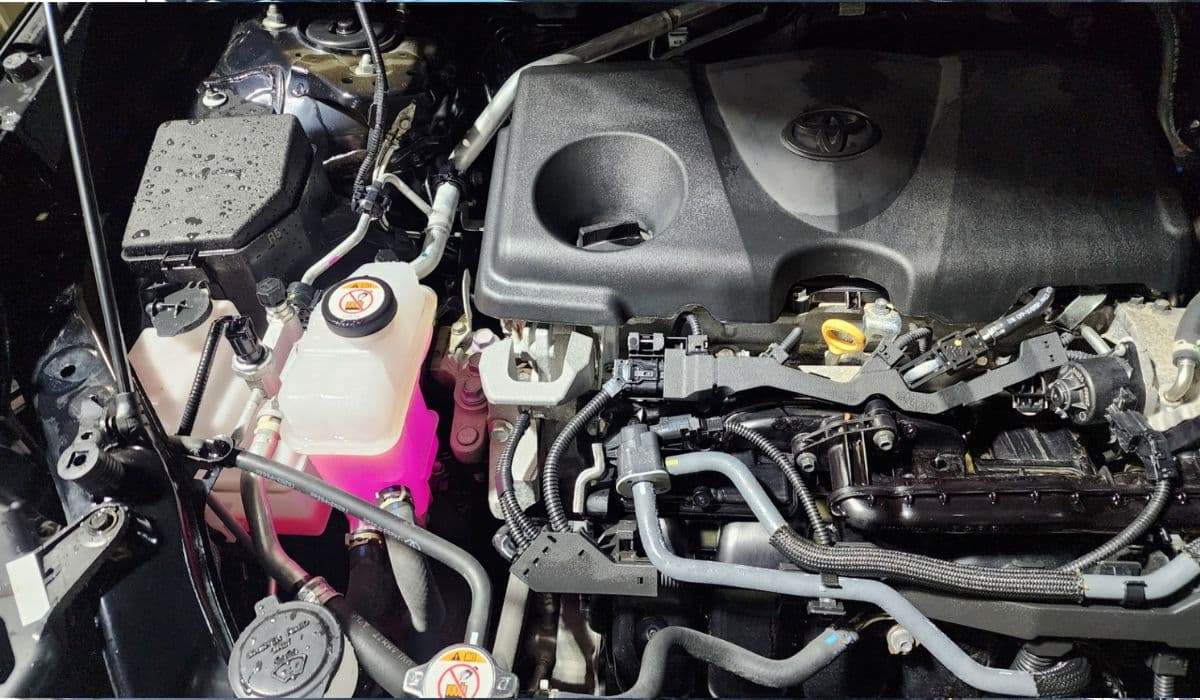
How to Fix 12.3-Inch Screen Lag on Toyota RAV4 (2023+) – Complete Reset Guide
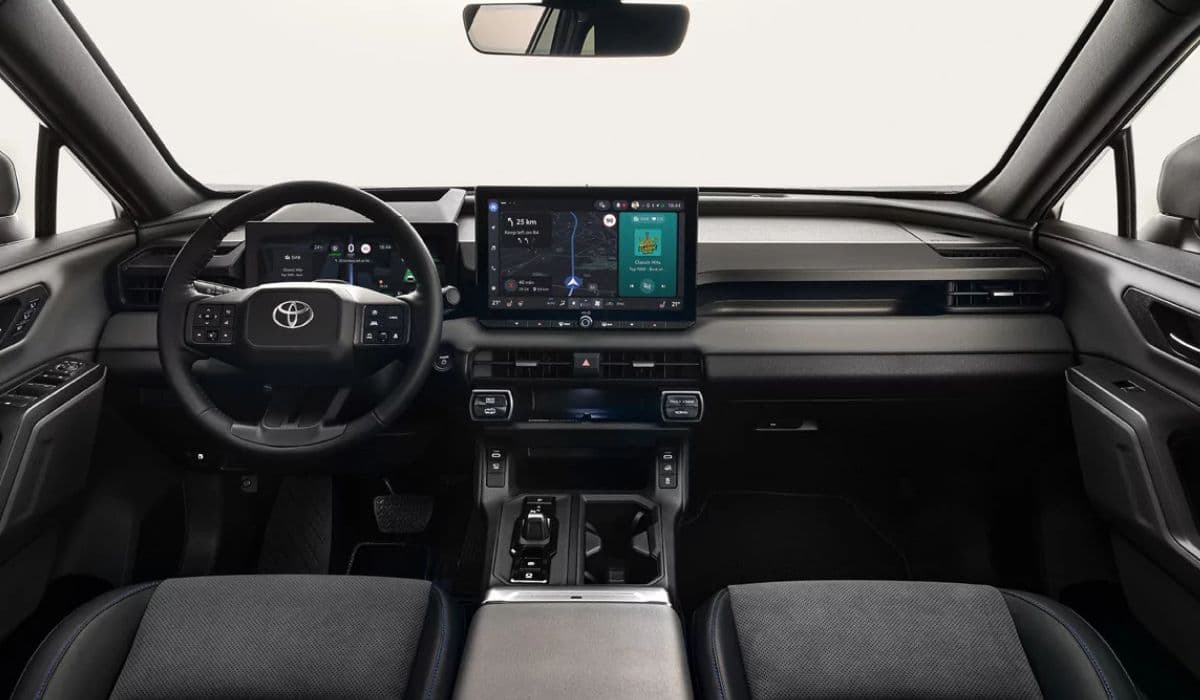
The 12.3-inch touchscreen in the Toyota RAV4 represents a leap forward in in-car technology, offering crisp visuals, intuitive navigation, seamless smartphone integration, and access to a wealth of entertainment options. Yet many owners encounter an irritating problem: noticeable lag on this large display. Inputs register slowly, menus stutter, scrolling feels delayed, and the interface occasionally becomes unresponsive. This can transform a premium driving experience into one of frustration, especially during navigation or when adjusting settings on the move.
Screen lag often stems from temporary software glitches, overloaded system memory, background processes conflicting with user commands, or even minor power fluctuations. The good news is that most cases resolve without professional intervention through structured resets and optimizations. This guide walks you through proven troubleshooting steps in logical order, starting with the simplest and progressing to more involved methods.
Understanding Why the 12.3-Inch Screen Lags
Before diving into fixes, consider the root causes:
Software overload — The multimedia system runs complex apps, maps, and connectivity features simultaneously, which can strain resources.
Temporary cache buildup — Accumulated data from Bluetooth pairings, app usage, or connected devices slows response times.
Power-related interruptions — Brief voltage drops during startup or accessory use affect processing speed.
Conflicting connections — Multiple paired phones, wireless features, or outdated pairings create processing bottlenecks.
Background tasks — Features like automatic updates or location services run quietly but consume cycles.
Identifying the trigger (for example, lag worsens after long drives or specific app use) helps tailor the solution.
Quick Soft Reset: The First-Line Defense
Most lag issues clear with a simple soft reboot of the infotainment head unit. This refreshes the system without erasing personal data.
Follow these steps:
Ensure the vehicle is parked safely with the engine running or in accessory mode (press the start button without pressing the brake).
Locate the power/volume knob on the infotainment panel (usually the large dial controlling audio).
Press and hold the knob firmly for 10–20 seconds.
The screen should go black, then display the Toyota logo as the system restarts (this takes 15–40 seconds).
Once back online, test responsiveness by swiping through menus, zooming the map, or adjusting climate controls.
Many owners report immediate improvement after this procedure. Perform it periodically if lag returns sporadically.
Advanced Troubleshooting: Reverse Shift Method
A surprisingly effective trick reported by numerous RAV4 owners involves using the transmission to force a deeper system refresh.
Here is the process:
Park the vehicle and engage the parking brake.
Start the engine.
Shift into Reverse and wait 10–15 seconds (some keep it longer, up to a minute).
Shift back to Park.
Turn the vehicle completely off (press the start button to shut down).
Wait at least 1–2 minutes with everything powered down.
Restart the vehicle normally.
This sequence appears to interrupt certain background loops in the multimedia software, clearing lag in cases where the basic soft reset falls short. Try it when lag persists after a standard reboot.
Deleting Personal Data for a Deeper Clean
When lag ties to corrupted user profiles or accumulated paired devices, clearing personal data provides a thorough refresh while preserving core settings.
To execute this:
From the home screen, tap the gear icon to enter Settings.
Navigate to General or System options.
Select Delete Personal Data or Reset Personal Information.
Confirm the deletion when prompted (this removes saved Bluetooth devices, radio presets, navigation favorites, and app logins).
The system reboots automatically.
After restart, re-pair your primary phone and test the touchscreen.
This step often resolves persistent stuttering linked to profile conflicts or overloaded memory.
Battery Disconnect: The Hard Reset Option
For stubborn lag that survives softer methods, a full electrical reset via the 12V battery cuts power to the entire electronics suite.
Proceed carefully:
Park on a level surface and turn off the vehicle.
Open the hood and locate the battery (typically on the driver's side).
Using appropriate tools, disconnect the negative (-) terminal first (black cable).
Wait 30–60 minutes (some extend to 2 hours for maximum effect).
Reconnect the negative terminal securely.
Start the vehicle; expect the system to boot as if new (re-pair phones and re-enter some preferences).
Drive normally and monitor the screen for smoothness.
This method resets volatile memory completely and frequently eliminates deep-seated glitches. Note that radio presets and clock settings may need reconfiguration.
Optimizing Daily Use to Prevent Future Lag
After resolving the issue, adopt habits that keep the system running smoothly:
Limit simultaneous Bluetooth connections to essential devices only.
Avoid overloading with multiple apps running in the background.
Periodically clear cache through settings if the option appears.
Keep phone software updated, as outdated apps can cause interface hiccups.
Use wired connections when possible for demanding features like navigation.
Restart the system weekly with the soft reset method as preventive maintenance.
These practices minimize resource strain on the multimedia processor.
When to Seek Professional Assistance
If lag returns frequently despite all resets, underlying factors may require attention:
Check for pending over-the-air or dealer software updates.
Inspect for electrical anomalies (weak battery or alternator affecting voltage stability).
Consider if connected accessories draw excessive power.
In such scenarios, a dealership diagnostic scan can identify firmware needs or hardware quirks.
Mastering these reset techniques empowers you to maintain peak performance from the 12.3-inch display. With a responsive touchscreen, every drive feels more connected and enjoyable.
More from Toyota
Tundra 5.7 Oil Consumption Fix (Piston Rings?)
08.12.2025 14:48
3rd Gen Tacoma Secondary Air Injection Bypass: Complete Guide for 2016-2023 Toyota Tacoma Owners
08.12.2025 10:52
How to Diagnose and Perform 4Runner Transfer Case Actuator Bypass When 4WD Won't Engage
08.12.2025 10:44
Camry 2GR-FE V6 Water Pump Replacement DIY – Full Step-by-Step Guide
08.12.2025 10:39
2024 Toyota Tacoma i-FORCE MAX Battery Drain Fix – Complete Owner’s Guide
08.12.2025 10:35