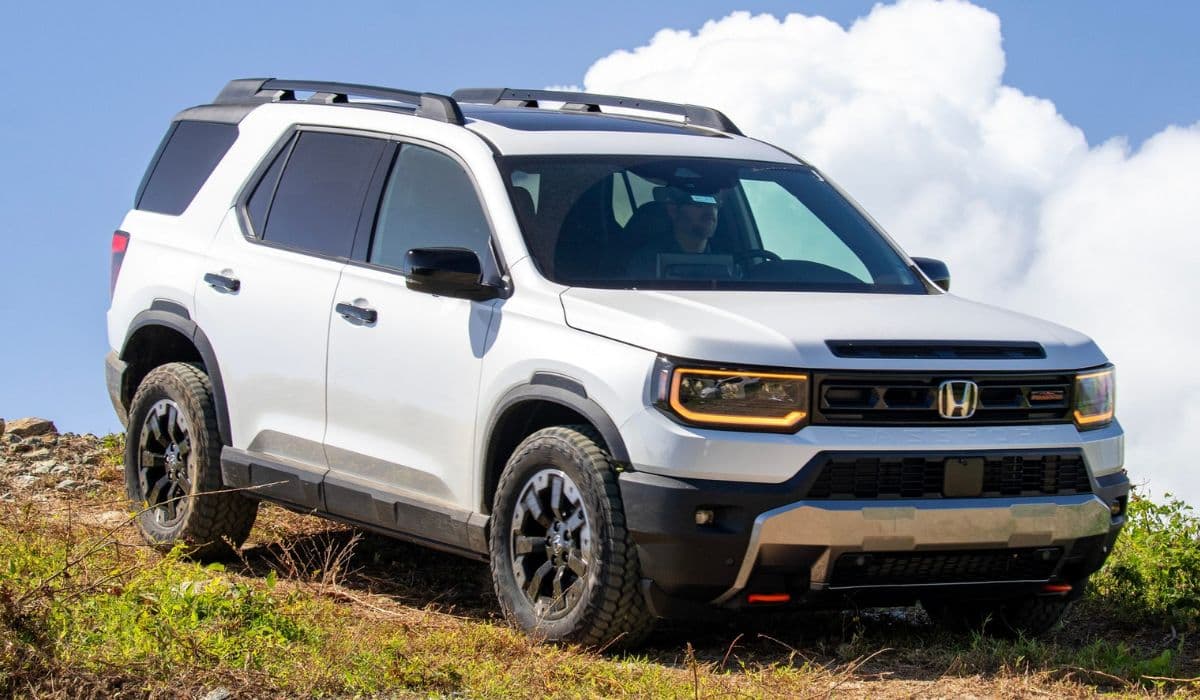
Honda CR-V infotainment integration issues with CarPlay
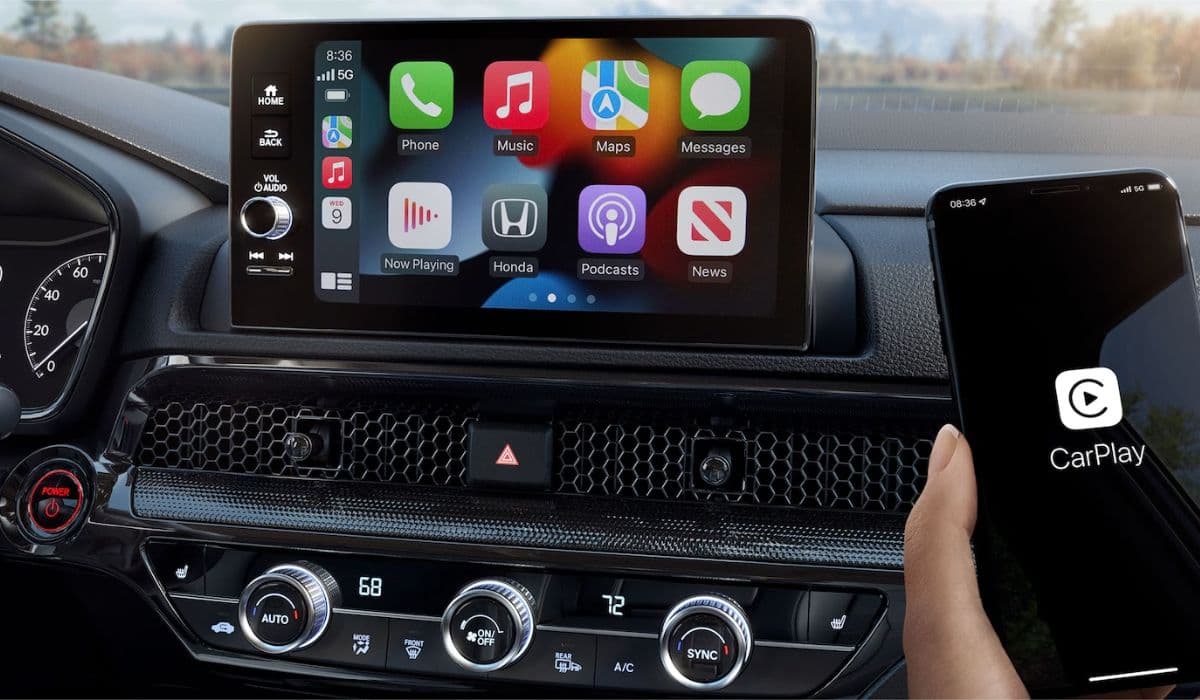
The Honda CR-V has long been a favorite among drivers who value reliability, practicality, and a comfortable ride. Its modern infotainment system promises seamless smartphone integration through Apple CarPlay, allowing access to navigation, music, messages, and calls with minimal distraction. However, many owners discover that the reality falls short of this promise. From random disconnections to frustrating freezes and quirky wireless behavior, CarPlay integration problems have become one of the most discussed frustrations among CR-V drivers.
This article explores the most frequently reported issues, explains their likely causes, and provides practical troubleshooting steps that owners use successfully in everyday situations.
Why CarPlay Integration Feels Unreliable in the CR-V
The CR-V's infotainment runs on a customized system that must constantly handshake with iOS devices via USB (wired) or Bluetooth/Wi-Fi (wireless). This process is surprisingly sensitive. Software mismatches, memory limitations in the head unit, cable quality, and background phone processes all contribute to instability.
Unlike some competitors that have refined their CarPlay implementation over multiple generations, Honda's system has shown persistent quirks across recent models. Owners frequently report that the same iPhone works flawlessly in other brands but struggles in the CR-V — pointing to vehicle-side limitations rather than the phone itself.
The Most Common Connection Problems Owners Face
Real-world experiences reveal several recurring patterns:
Intermittent Automatic Connection Failure The system often fails to launch CarPlay automatically upon starting the vehicle, even when previously paired. Owners must manually intervene, sometimes multiple times.
Random Drops and Black Screens CarPlay connects initially, but after minutes of use (especially with navigation or music apps), the screen freezes, goes black, or reverts to the Honda home screen.
Wireless CarPlay Glitches In trims offering wireless functionality, connections stutter, audio breaks up, or the system refuses to recognize the phone despite showing as paired on the iPhone.
Text Message Readout Malfunctions Siri begins reading incoming messages but cuts off after a few words, garbles audio, or fails completely — even when other Siri functions operate normally.
Post-Update Instability Firmware updates (both iOS and Honda infotainment) occasionally break previously stable connections, requiring full re-pairing or resets.
These issues rarely occur constantly — they tend to appear randomly, making diagnosis especially frustrating.
Proven Troubleshooting Steps That Actually Help
While no single fix works universally, owners have developed a reliable hierarchy of solutions. Try them in this order:
Quick Soft Reboot of the Infotainment System Press and hold the volume/power knob for 5–10 seconds until the reboot prompt appears. Confirm and wait for the system to restart. This clears temporary memory leaks in about 80–85% of glitch cases and can be done safely while driving.
Cable Quality Check (for Wired Connections) Use a genuine, short (ideally 0.5m) Apple-certified cable that supports data transfer — not just charging. Many charging-only cables cause unstable or failed handshakes. Avoid cheap third-party options with thin wiring.
Full Pairing Reset Procedure On your iPhone: go to Settings → General → CarPlay → forget the vehicle. In the CR-V: delete all paired phones from the smartphone connection menu. Disable Bluetooth temporarily, reboot both devices, then reconnect fresh — preferably without prior Bluetooth pairing (use CarPlay only).
Check iPhone Settings Conflicts Ensure "Allow CarPlay While Locked" is enabled. Turn off any active VPN, as it interferes with the connection handshake. Reset network settings on the iPhone (Settings → General → Transfer or Reset iPhone → Reset → Reset Network Settings) if issues persist.
Wireless-Specific Fixes Verify both Bluetooth and Wi-Fi are active on the phone. Remove any aftermarket devices (dash cams, chargers) that create Wi-Fi interference. Re-pair wireless connection by forgetting the vehicle in Bluetooth settings first.
Many owners report that combining the soft reboot with a fresh pairing and quality cable delivers the most stable experience for weeks or months.
Advanced Workarounds When Standard Fixes Aren't Enough
Some persistent users take additional steps:
Factory reset of the infotainment system (found in settings menu) — followed by never pairing via Bluetooth again, relying exclusively on CarPlay.
Using third-party wireless adapters (dongles) as a bridge — they sometimes provide more stable performance than the built-in wireless system.
Keeping detailed notes of when issues occur (temperature, battery level, specific apps) to identify patterns.
While these workarounds help, they highlight an ongoing challenge: the integration feels like a compromise rather than a polished feature.
What the Experience Reveals About Modern Car Tech
The CR-V's CarPlay struggles illustrate a broader reality in the automotive world. Smartphone technology advances rapidly, while in-car systems update slowly and must balance cost, durability, and compatibility. When the two don't sync perfectly, drivers bear the frustration.
Many owners still choose the CR-V for its overall package — spacious interior, smooth ride, and reputation for longevity — and learn to live with occasional CarPlay reboots as the price of entry.
Understanding these common pain points empowers drivers to minimize disruptions and enjoy the convenience CarPlay is meant to provide. With patience and the right troubleshooting approach, most owners restore reliable functionality and get back to focused, enjoyable drives.
More from Honda
Earth Dreams 1.5T Carbon Buildup Fix: Complete Guide to Solving Honda’s Direct Injection Problem
08.12.2025 11:49
Best Used SUV Under $25,000: Honda CR-V vs Toyota RAV4 vs Ford Explorer
08.12.2025 15:32
Honda 1.5T vs Toyota 2.0 Dynamic Force – Which is Better?
08.12.2025 15:17
11th Gen Honda Civic Type R (FL5) Engine Changes: A Deep Dive into the Evolution of the K20C1
08.12.2025 08:08
2023+ Honda HR-V vs Previous Generation: In-Depth Engine and Powertrain Comparison
08.12.2025 08:03