Infotainment screen lockups and blackouts Honda Civic
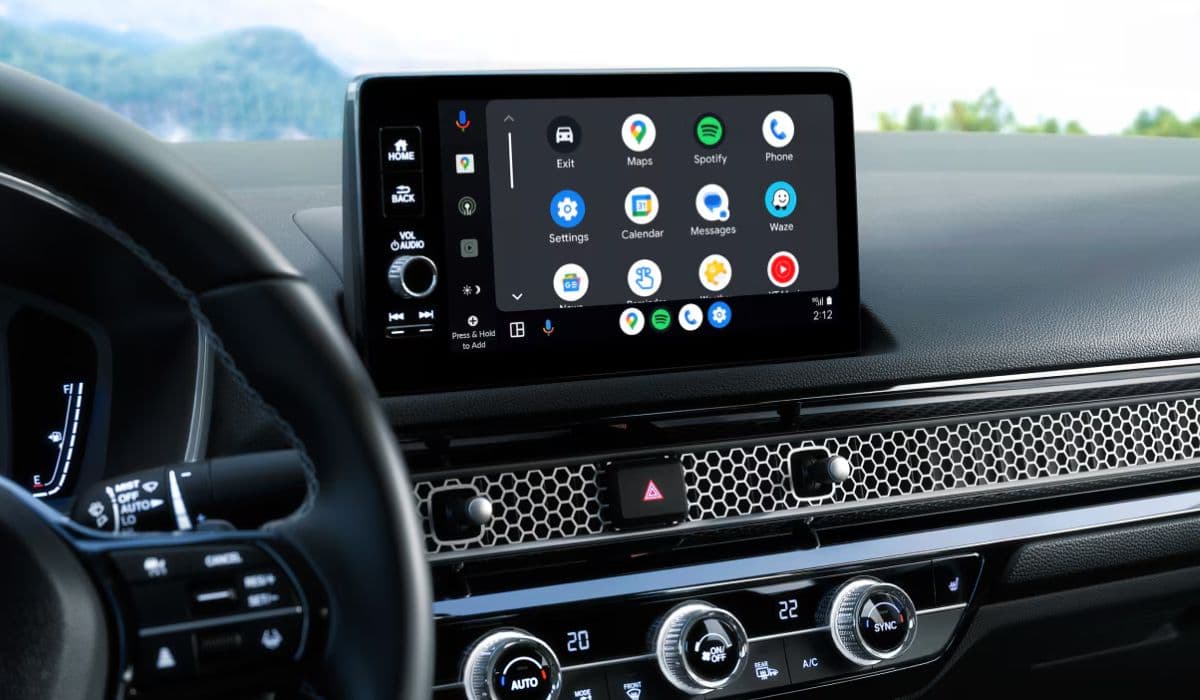
Modern Honda Civic models feature sophisticated infotainment systems that integrate navigation, media, smartphone connectivity, and vehicle settings into one central touchscreen. While these systems enhance the driving experience, many owners encounter frustrating issues: sudden freezes, complete black screens, random reboots, or unresponsive touch interfaces. These problems can appear during daily commutes, long trips, or even right after starting the engine.
Understanding why the infotainment display locks up or goes dark is the first step toward reliable performance.
Common Symptoms Owners Experience
The manifestations of infotainment troubles in the Civic tend to fall into several recognizable patterns:
The screen freezes completely — touch inputs are ignored, and the interface stops responding
Sudden transition to a black screen while audio may continue playing in the background
Random reboots or looping startup sequences (Honda logo → black → repeat)
Flickering display, distorted graphics, or delayed response to inputs
Loss of smartphone projection (Apple CarPlay/Android Auto) with the message “device not responding”
Complete blackout of both display and audio functions, sometimes accompanied by a constant low hum
These symptoms rarely occur constantly — they often appear intermittently, making diagnosis tricky.
Primary Causes Behind Screen Lockups and Blackouts
Several factors contribute to these issues, ranging from software limitations to hardware sensitivities:
Software-related triggers
The infotainment unit operates as a compact Android-based computer with limited processing power and memory. Over time, cached data accumulates, leading to performance degradation similar to an overloaded smartphone. Outdated firmware frequently causes compatibility conflicts, especially with newer smartphone OS versions.
Connection and protocol mismatches
Smartphone projection systems are particularly vulnerable. Non-certified cables, outdated phone software, or simultaneous use of multiple apps (navigation + music + messaging) can overload the system, resulting in freezes or black screens.
Power and electrical fluctuations
Sudden voltage drops during engine start, weak battery conditions, or minor wiring issues can cause the display unit to lose synchronization or shut down unexpectedly.
Environmental influences
Extreme cabin temperatures — both very high and very low — affect the display panel and internal electronics. Prolonged direct sunlight or cold morning starts often trigger temporary malfunctions.
Hardware wear factors
Over years of use, internal connectors may develop micro-loosening, capacitors can degrade, or the touchscreen digitizer may lose sensitivity — all leading to intermittent blackouts or lockups.
Effective Troubleshooting Steps You Can Try Immediately
Most owners successfully resolve temporary lockups using one of these methods (start with the simplest):
Quick soft reboot — Press and hold the power/volume knob for 8–12 seconds until the system restarts. This works in most situations without losing any settings.
Button combination reset — Depending on the model generation, try holding specific combinations (Power + Home + Previous track or Power + Menu + Dimmer) for 10+ seconds to access a hidden reboot menu.
Fuse pull technique — Locate the audio/infotainment fuse (typically 15–30A in the under-hood fuse box), remove it for 30–60 seconds with the car off, then reinstall. This forces a complete power cycle of the head unit.
Full battery disconnect — As a deeper reset, disconnect the negative battery terminal for 10–15 minutes (remember to have radio codes ready if needed).
After any reset, allow the system 2–3 minutes to fully reload before connecting your phone.
Prevention Strategies for Long-Term Stability
Preventing recurring issues requires proactive habits:
Perform a scheduled soft reboot every 1–2 weeks to clear accumulated cache
Use only high-quality, certified cables for smartphone projection
Keep your phone OS and the car's infotainment firmware as current as possible
Avoid connecting multiple USB devices simultaneously
Park in shaded areas during hot weather to reduce cabin temperature extremes
Disable unused features (e.g., unused apps or voice recognition when not needed) to reduce system load
Enable automatic overnight memory refresh if the option is available in settings
Following these practices significantly reduces the frequency of lockups for most owners.
When Professional Intervention Becomes Necessary
If resets provide only temporary relief or the screen remains black/unresponsive even after power cycling, deeper problems may exist:
Software corruption requiring dealer-level reflash
Faulty display module or internal board
Wiring harness damage from previous repairs or rodent activity
Failing power supply components within the head unit
In such cases, professional diagnostics using Honda-specific tools can identify whether repair or replacement is the optimal path.
Modern infotainment systems represent a delicate balance between advanced functionality and reliability. While Honda Civic touchscreens deliver impressive features, their occasional lockups and blackouts remind us that even automotive computers need occasional care — much like our smartphones and laptops.
More from Honda
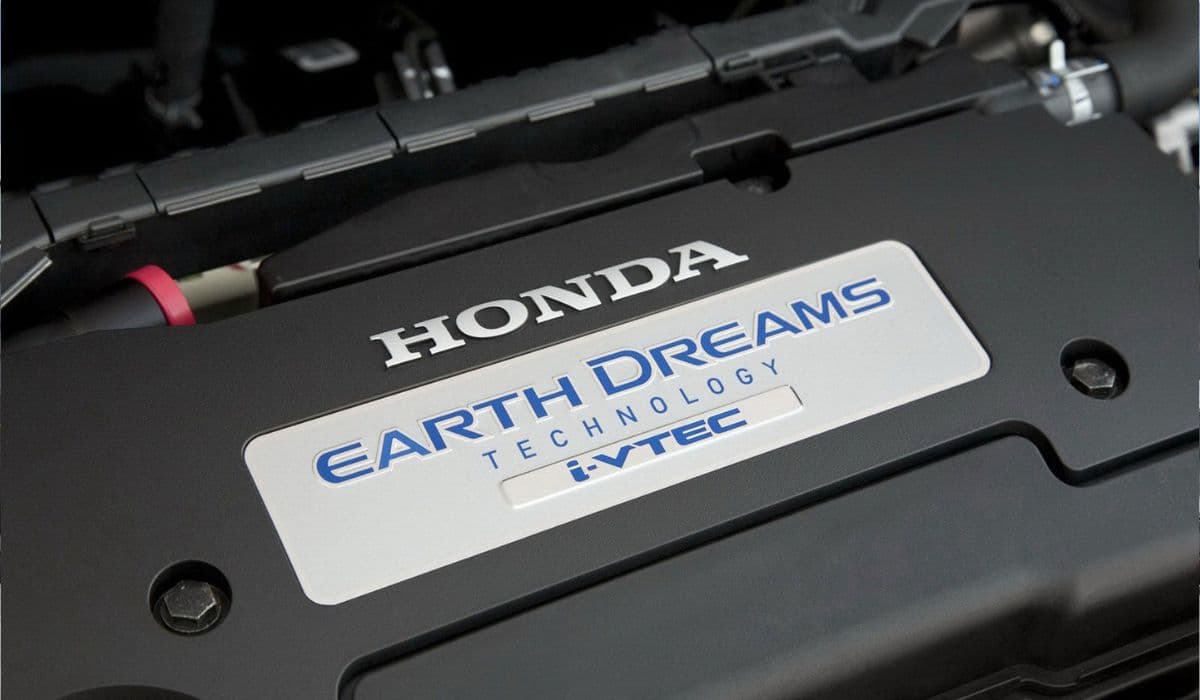
Earth Dreams 1.5T Carbon Buildup Fix: Complete Guide to Solving Honda’s Direct Injection Problem
08.12.2025 11:49
Best Used SUV Under $25,000: Honda CR-V vs Toyota RAV4 vs Ford Explorer
08.12.2025 15:32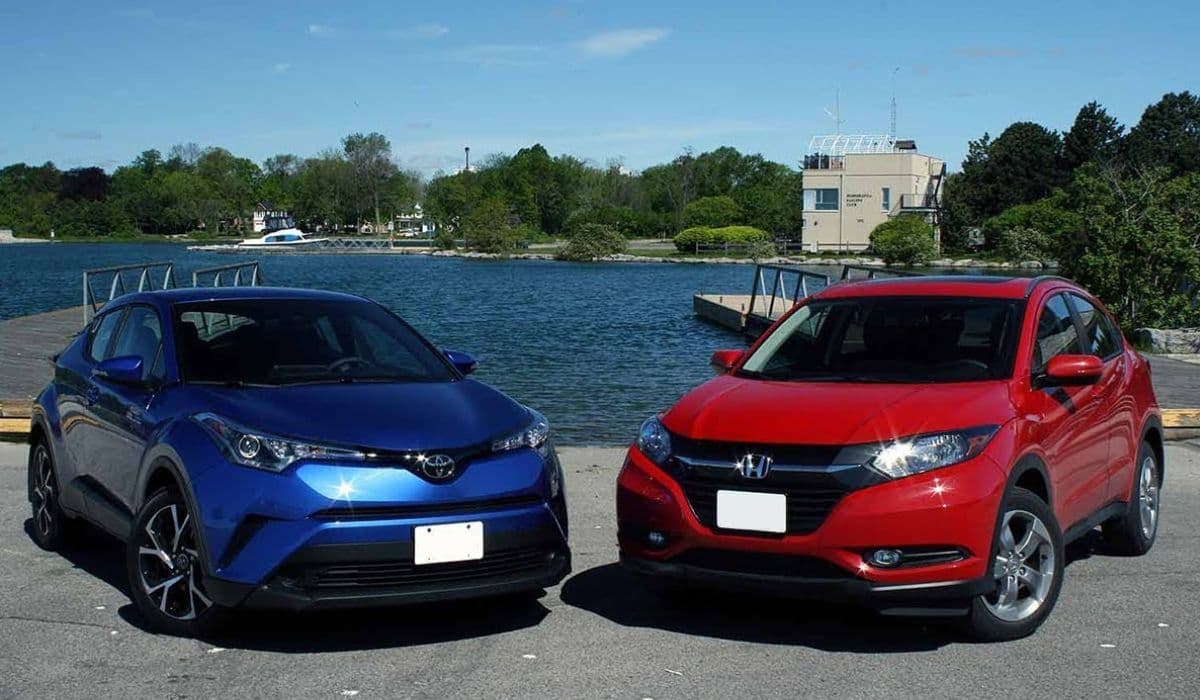
Honda 1.5T vs Toyota 2.0 Dynamic Force – Which is Better?
08.12.2025 15:17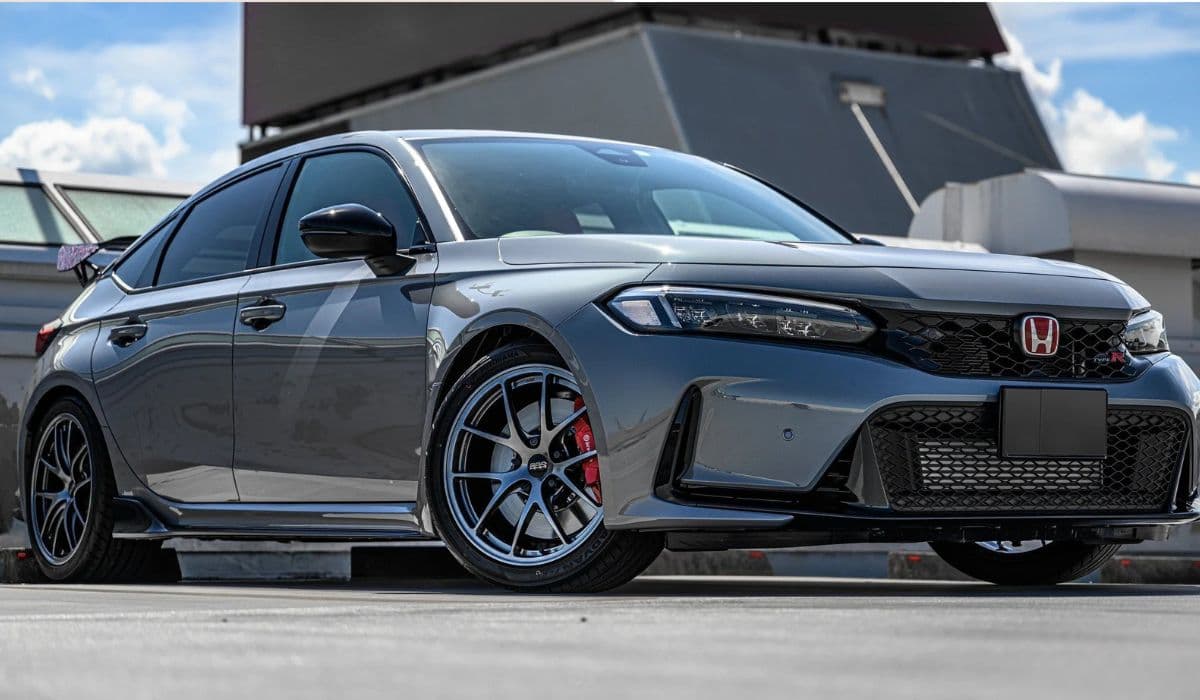
11th Gen Honda Civic Type R (FL5) Engine Changes: A Deep Dive into the Evolution of the K20C1
08.12.2025 08:08
2023+ Honda HR-V vs Previous Generation: In-Depth Engine and Powertrain Comparison
08.12.2025 08:03