
How to fix Tesla Cybertruck tonneau cover misalignment

The Tesla Cybertruck's powered tonneau cover, often called the vault, is a standout feature that provides secure, weather-resistant storage for the bed. Its slatted design allows smooth retraction and extension with a simple touchscreen tap or button press. However, like any complex mechanism, it can occasionally develop misalignment issues. This might manifest as uneven closing, one side lagging behind the other, gaps appearing when fully closed, or the cover stopping short and reversing. These problems often stem from minor calibration drifts, debris buildup, or slight mechanical shifts over time. Fortunately, many owners resolve them through straightforward troubleshooting steps before needing professional help.
Understanding Common Misalignment Symptoms
Misalignment in the Cybertruck tonneau cover typically shows up in subtle but frustrating ways. You might notice the cover closing unevenly, with the driver's side or passenger's side finishing ahead of the other, creating a crooked appearance. In some cases, a small gap forms at the front near the cab or along the sides, which can lead to noise while driving or reduced weather protection. The cover may also hesitate during operation, requiring multiple attempts to fully open or close, or it might stall and reopen partially.
These issues are more common in early use as the system settles, or after exposure to dirt, dust, or temperature changes that affect the tracks and motors. The good news is that the Cybertruck's software and design include built-in tools to address many of these problems without tools or disassembly.
Basic Troubleshooting Steps
Start with the simplest checks to rule out easy fixes.
Ensure the vehicle is in Park and unlocked, as the tonneau won't operate otherwise.
Inspect the bed tracks visually for any obvious debris, leaves, or small objects that could obstruct smooth movement.
Clear out loose dirt by gently running the cover open and closed a few times to dislodge particles.
Check for any cargo in the bed that might interfere with full retraction.
If these don't resolve the issue, move on to recalibration, which resets the system's position sensors and often straightens out minor misalignments.
Manual Calibration Method
One of the most effective owner-performed fixes is manual calibration, which forces the tonneau to relearn its full open and closed positions.
Park the Cybertruck on a level surface and ensure no obstructions are in the bed.
Using the touchscreen controls or rear bed button, press and hold the Open command until the cover fully retracts and you hear it stall against the end stop (it may make a brief grinding sound as the motors reach their limit).
Without pausing, immediately press and hold the Close command until the cover extends fully and stalls again at the closed position.
Repeat this open-stall-close-stall cycle 2-3 times.
This process helps synchronize the dual motors on each side, often correcting uneven movement or partial closures. Many owners report immediate improvement, with the cover operating smoother and aligning perfectly afterward.
Accessing Service Mode for Advanced Calibration
For more persistent issues, the Cybertruck includes a hidden service mode that provides deeper diagnostic and calibration options.
Tap and hold the Cybertruck logo at the top of the touchscreen for several seconds until a password prompt appears.
Enter "service" (lowercase) to access the menu.
Navigate to the tonneau or bed controls section, where you'll find health checks for the motors and a dedicated calibration routine.
Select the calibration option and follow any onscreen prompts, which may involve activating turn signals or pressing specific buttons to initiate the process.
This mode can detect motor imbalances and perform a more thorough reset. After completion, test the cover multiple times to confirm even operation.
Preventing Future Misalignment
Proactive habits can keep the tonneau running reliably longer.
Regularly cycle the cover fully open and closed, even if not in use, to prevent stiffness.
Avoid forcing the cover if it hesitates; instead, recalibrate early.
Keep the side tracks clean by occasionally wiping them with a soft, dry cloth—avoid harsh chemicals that could degrade seals.
Park in covered areas when possible to minimize dust accumulation.
Consistent use and light maintenance help the system self-adjust over time.
When to Seek Professional Assistance
While many misalignment problems resolve with the above steps, some require Tesla's expertise. If the cover remains crooked after repeated calibrations, shows significant gaps, drags noticeably on one side, or exhibits error messages on the touchscreen, schedule a service appointment via the Tesla app. Technicians can perform precise adjustments to the motor mounts, inspect for slat irregularities, or apply updates to seals and components. Owners frequently praise quick turnaround times for these fixes, often completed in a single visit.
Addressing tonneau cover misalignment promptly restores the Cybertruck's seamless functionality, ensuring the vault performs as the robust, innovative feature it's designed to be.
More from Tesla
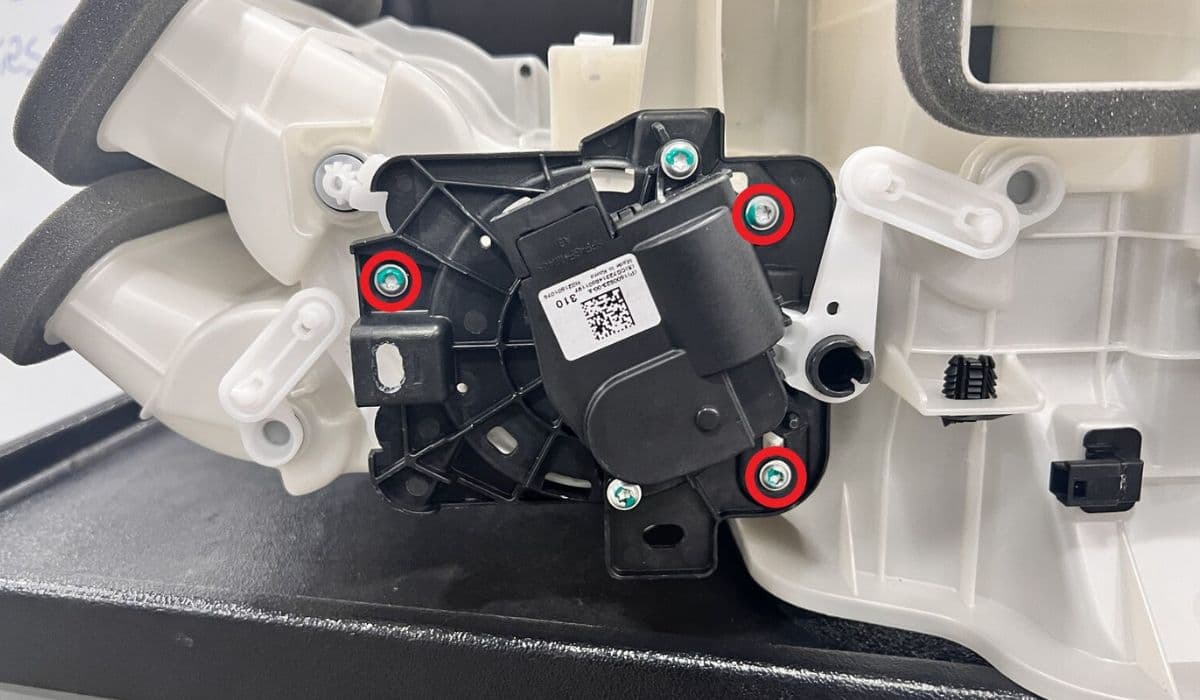
How to fix HVAC blend door actuator clicking noise Tesla
16.12.2025 13:16
How to fix FSD visualization lag after Tesla 2025.14 update
16.12.2025 07:02
How to fix phantom drain overnight Tesla
16.12.2025 04:50
How to replace octopus coolant leak (Tesla Model 3 2017–2020)
16.12.2025 03:21
How to replace torn rear seat bolsters Tesla
16.12.2025 03:09